Threat Detection System
UX Techniques
Contextual Inquiry, Journey Mapping, Competitive Analysis, Prototyping, Usability Testing
Background
Jarvis is a Threat Detection proof-of-concept product. The end users spend their day reviewing, assessing, and scheduling image collections from satellite and aircraft assets. These users are working with multiple monitors and applications running at the same time. The user’s goal is to stay informed of potential and actual threats so that corrective actions can be made in a timely manner.
Problem
What triggered the need for this proof-of-concept was that end users complained that legacy systems were overly complicated, visually unappealing, and required too many applications to be opened at the same time and make sense of the information.
Solution
As the lead UX designer, I met with the stakeholders to understand their use cases (happy and exceptional paths) and identify parts of their journey that are working well and not so well (pain points). I also observed how they used legacy applications and took note of what they liked versus what they would like to change.
Outcome
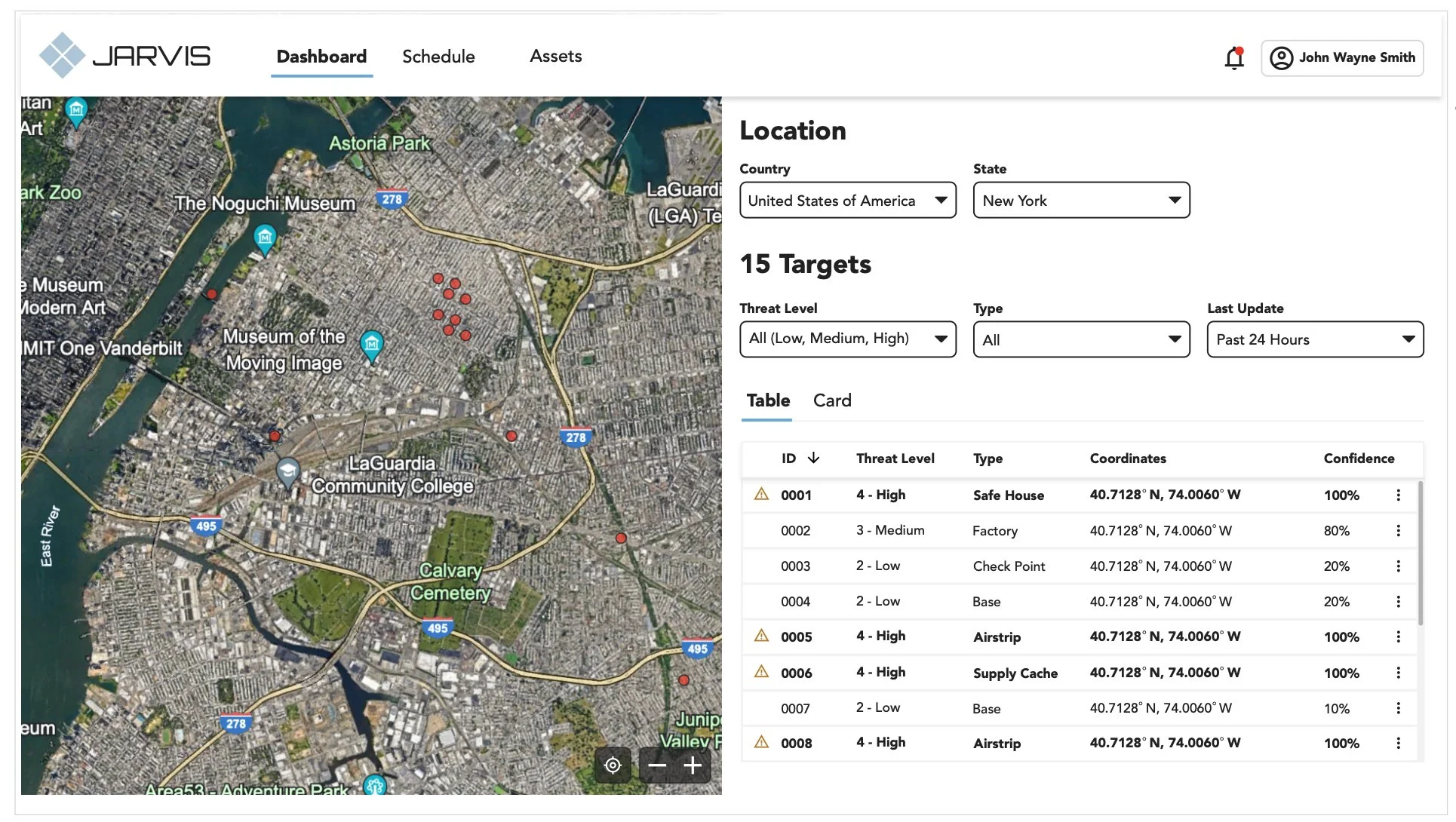
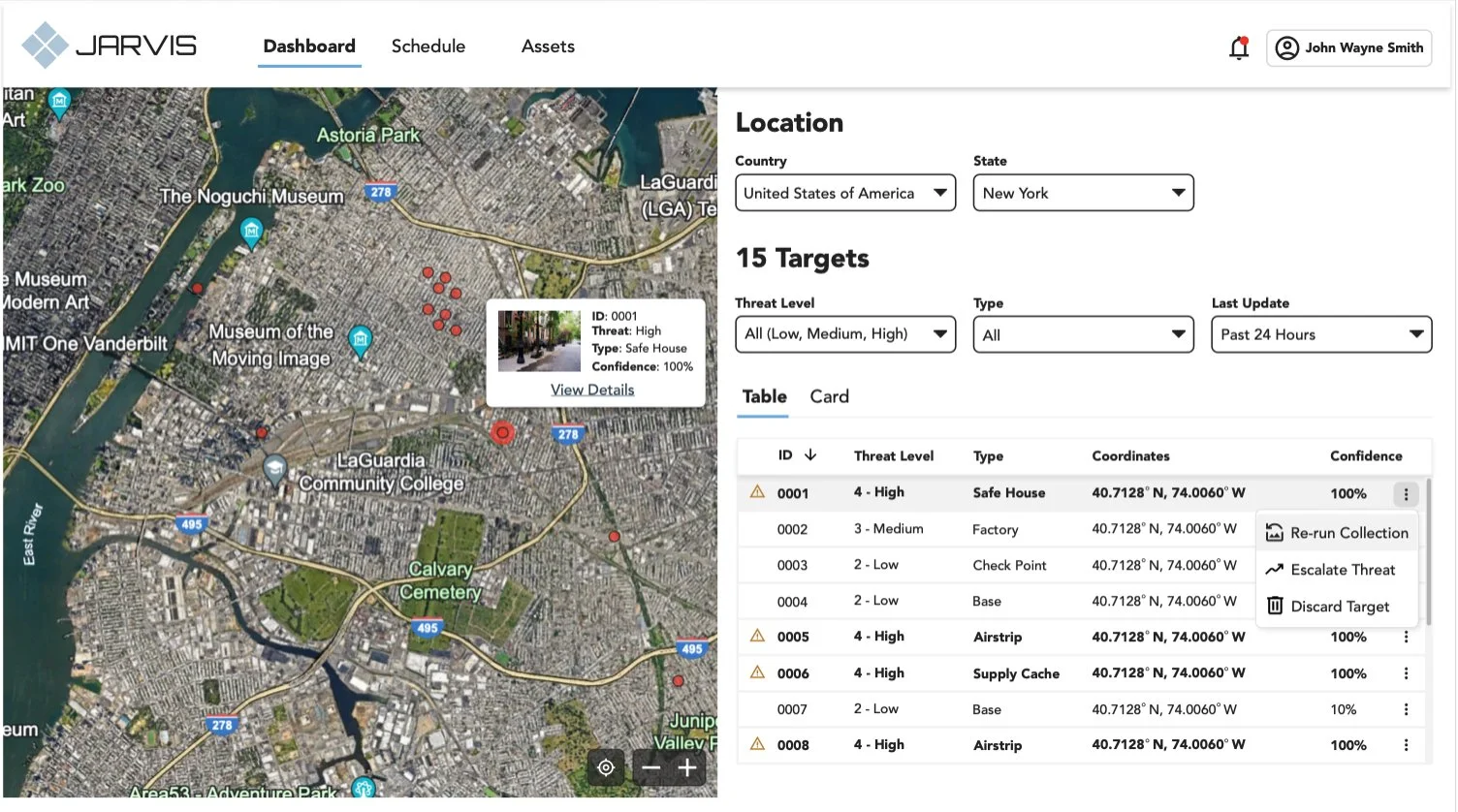
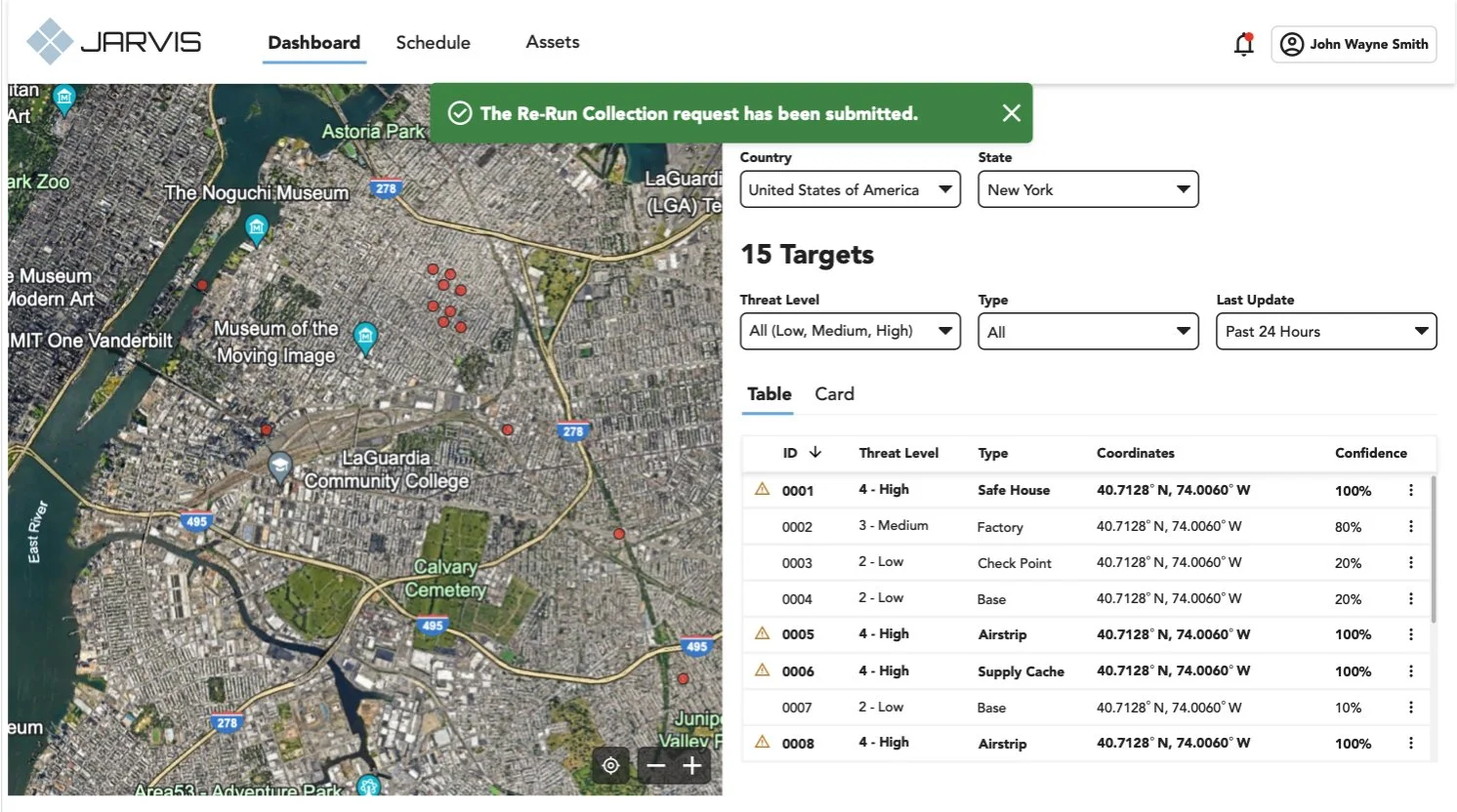
I designed Jarvis to look-and-feel like a familiar product (e.g., Redfin, Zillow) since there were some similarities regarding filtering, sorting, and viewing records on a map. Users found this design pattern intuitive and aesthetically pleasing.
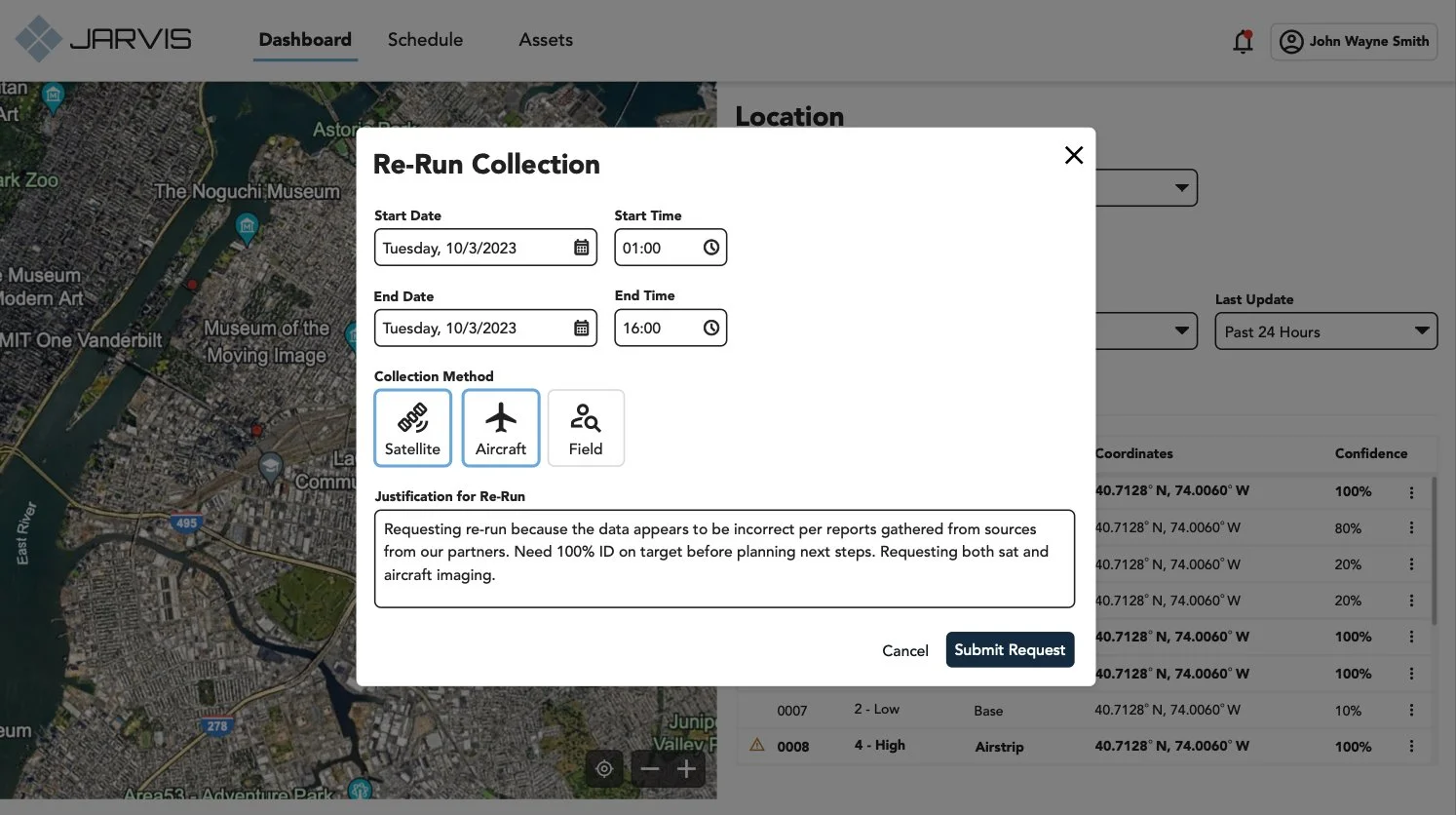
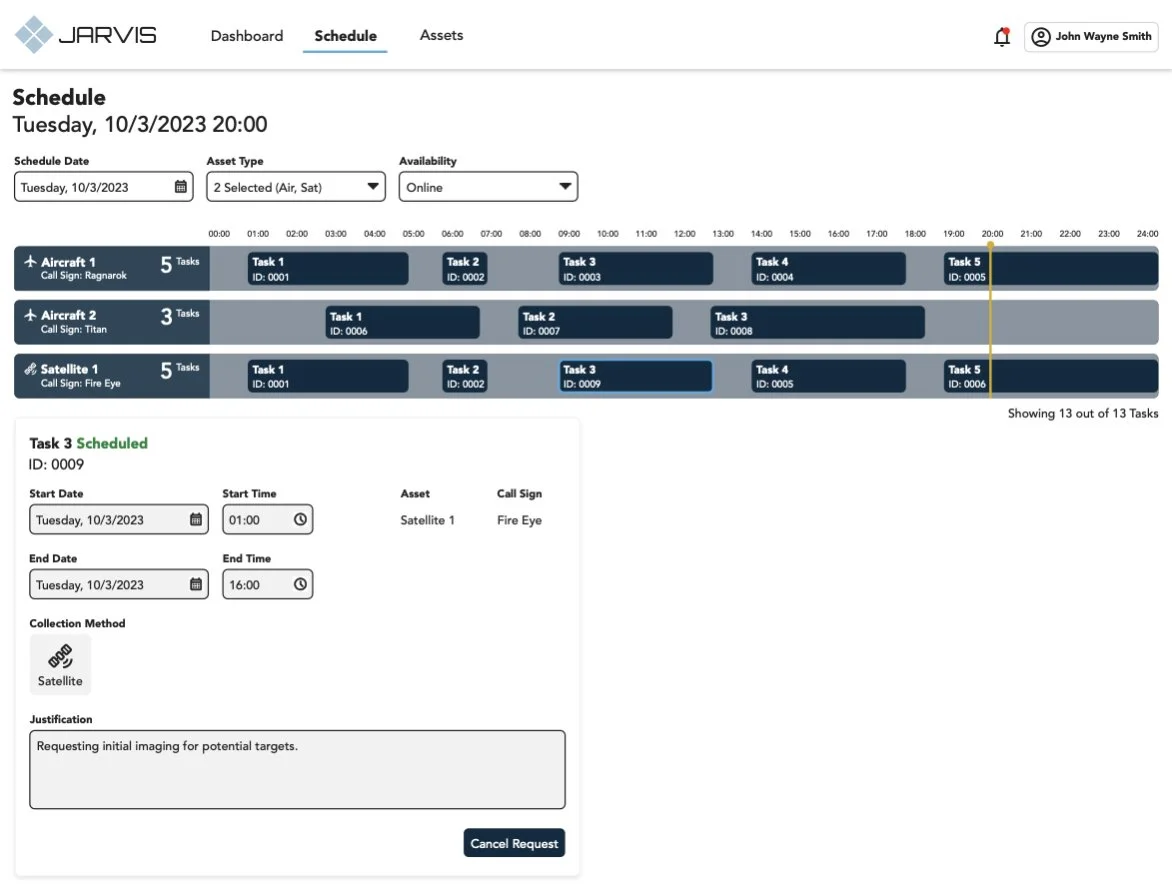
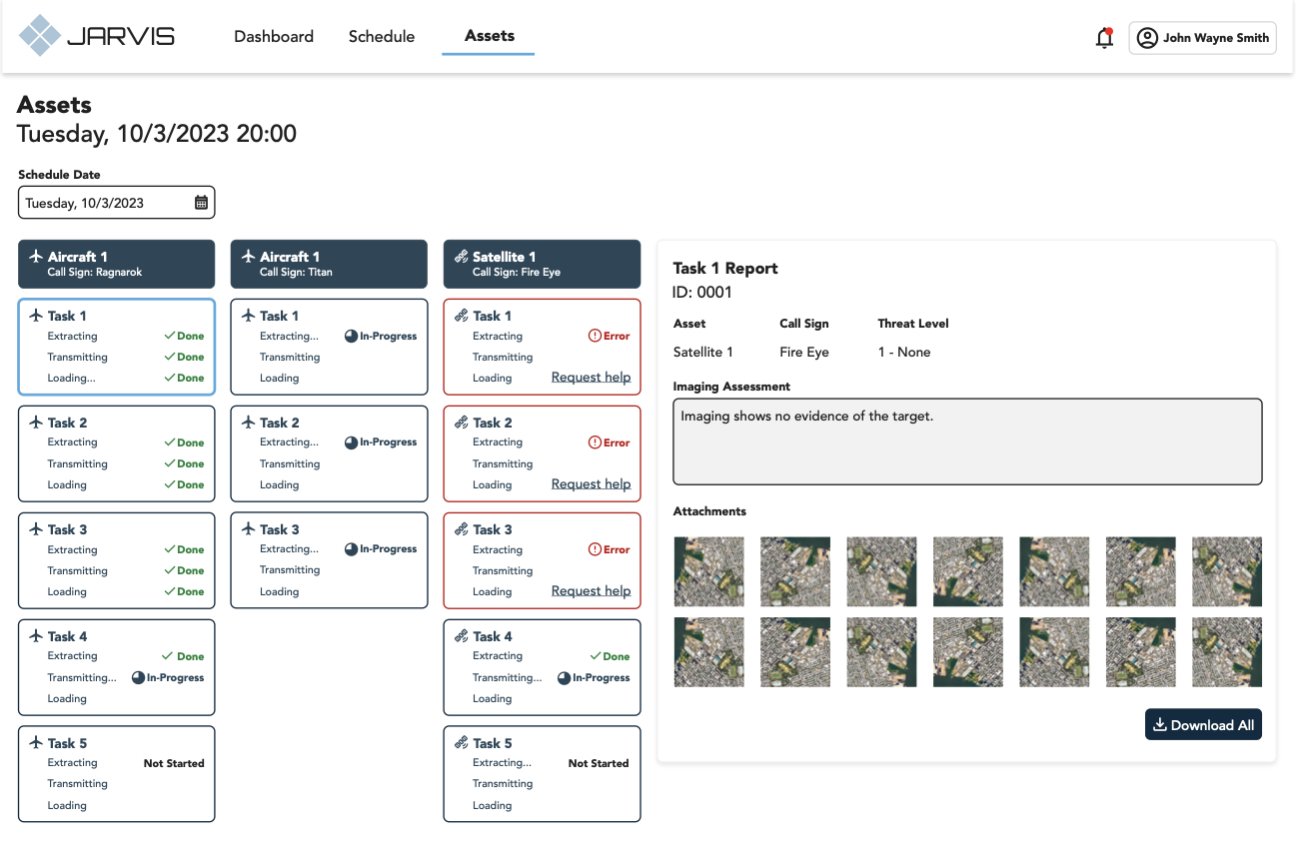
From contextual inquiries and journey mapping, I understood the users’ pain points with having to navigate to different applications to perform a portion of their use case. By combining functionality of other products into one (through APIs), I was able to design a seamless experience.