Risk Analysis & Management
UX Techniques
Contextual Inquiry, Personas, Information Architecture, Prototyping
Background
RAM is a custom case management application that tracks and manages foreign government contracts and awards for the Department of State. RAM analysts use this application to add prospective prime and sub organizations; assign portal user accounts; perform organization and individual risk vetting; and prevent government funds from being awarded to nefarious organizations and actors.
Problem
The legacy application was configured using a COTS product and vendor support was become cost prohibitive. As with most COTS, there were features out-of-the-box (OOTB) that did not support the business’ expectations or were simply not used. This problem caused cluttered UIs; increased workarounds; and increased complexity with making customizations/configurations in the application.
Solution
In order to design the new RAM application, I spent time learning about their overall business processes through interviews and observing users using the application. I learned about what worked well in their process and application, and what were the actual pain points.
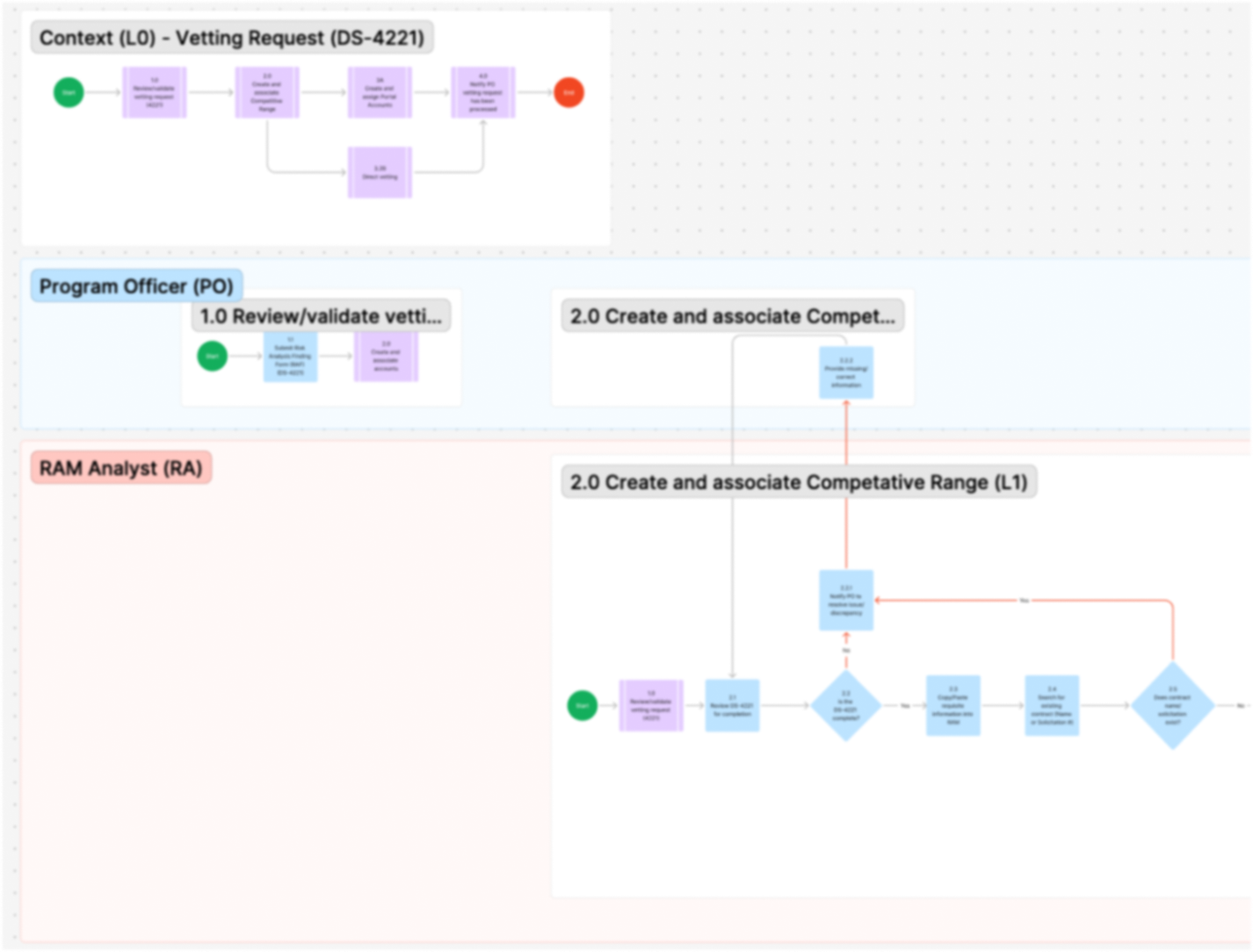
To help define the the users, I created personas describing each of the user’s goals and work environment. I also created user journeys/swim-lane diagrams to visualize their processes and interface points. I also spent time learning about their data architecture so that I could understand the data objects and cardinalities between them.
Eventually, low-fidelity wireframes were designed to serve as a collaborative artifact for ideating on the flow and functionality together. Having something visual helped the business stakeholders better articulate their requirements and explore design possibilities.
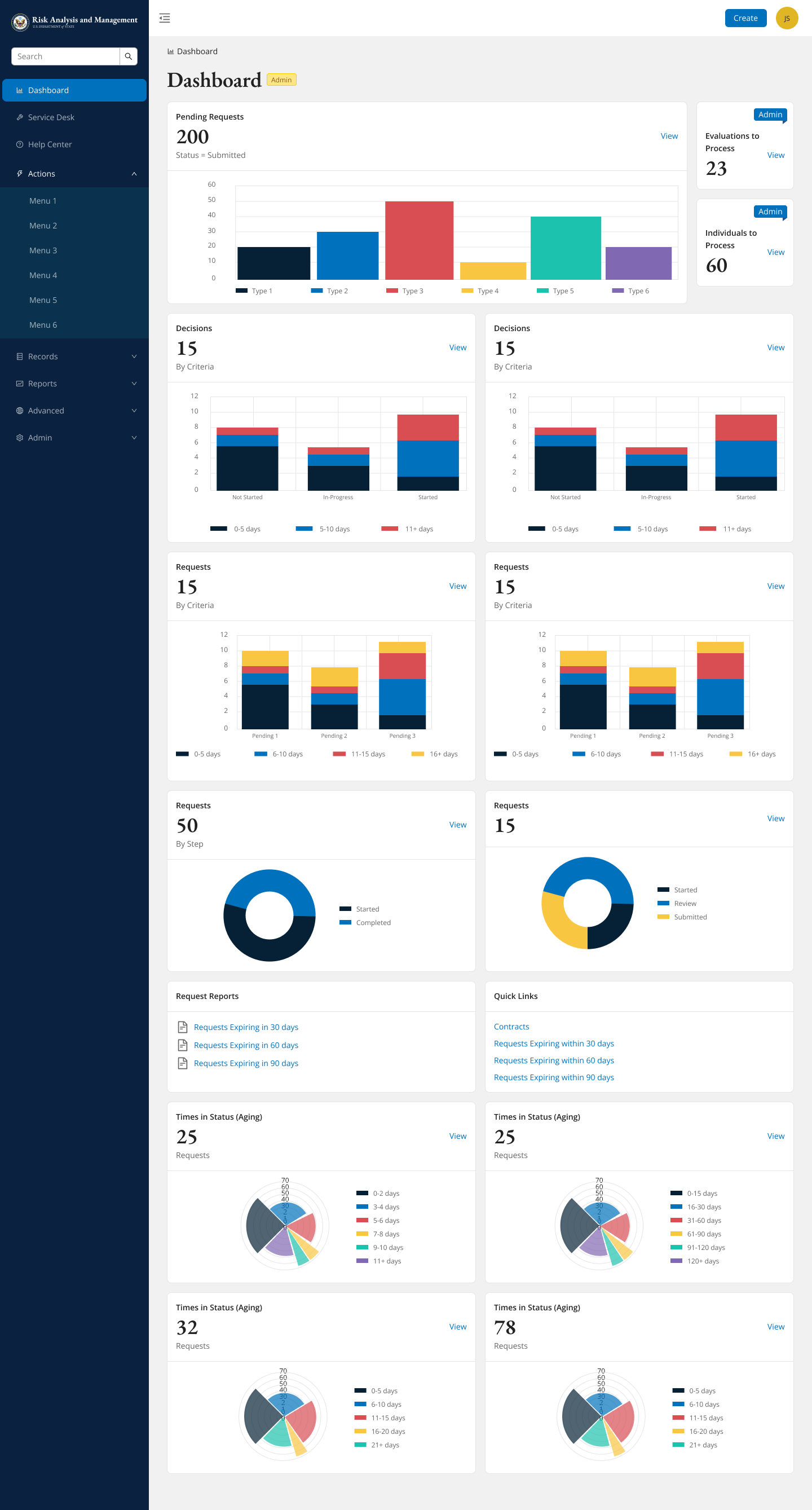
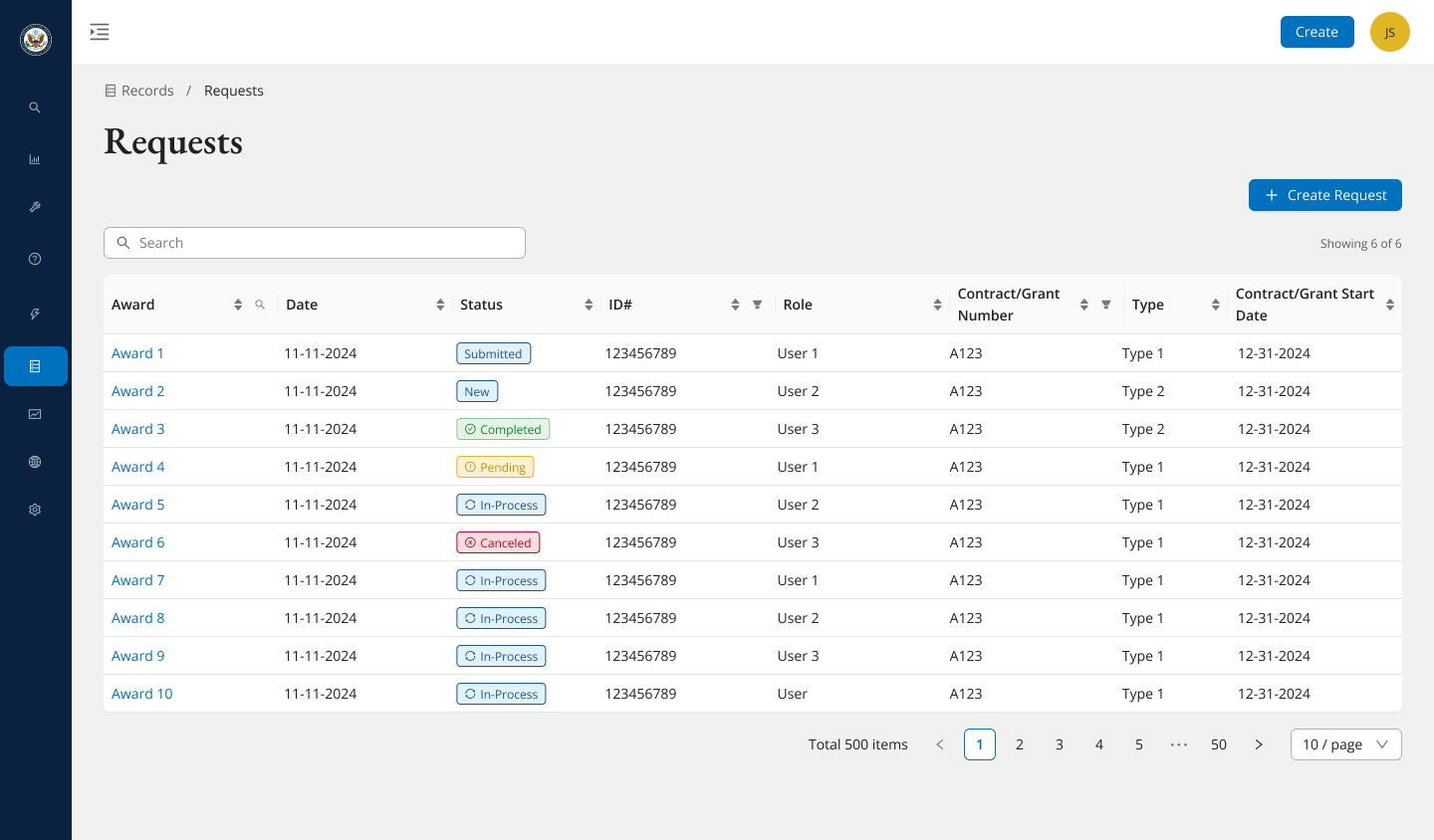
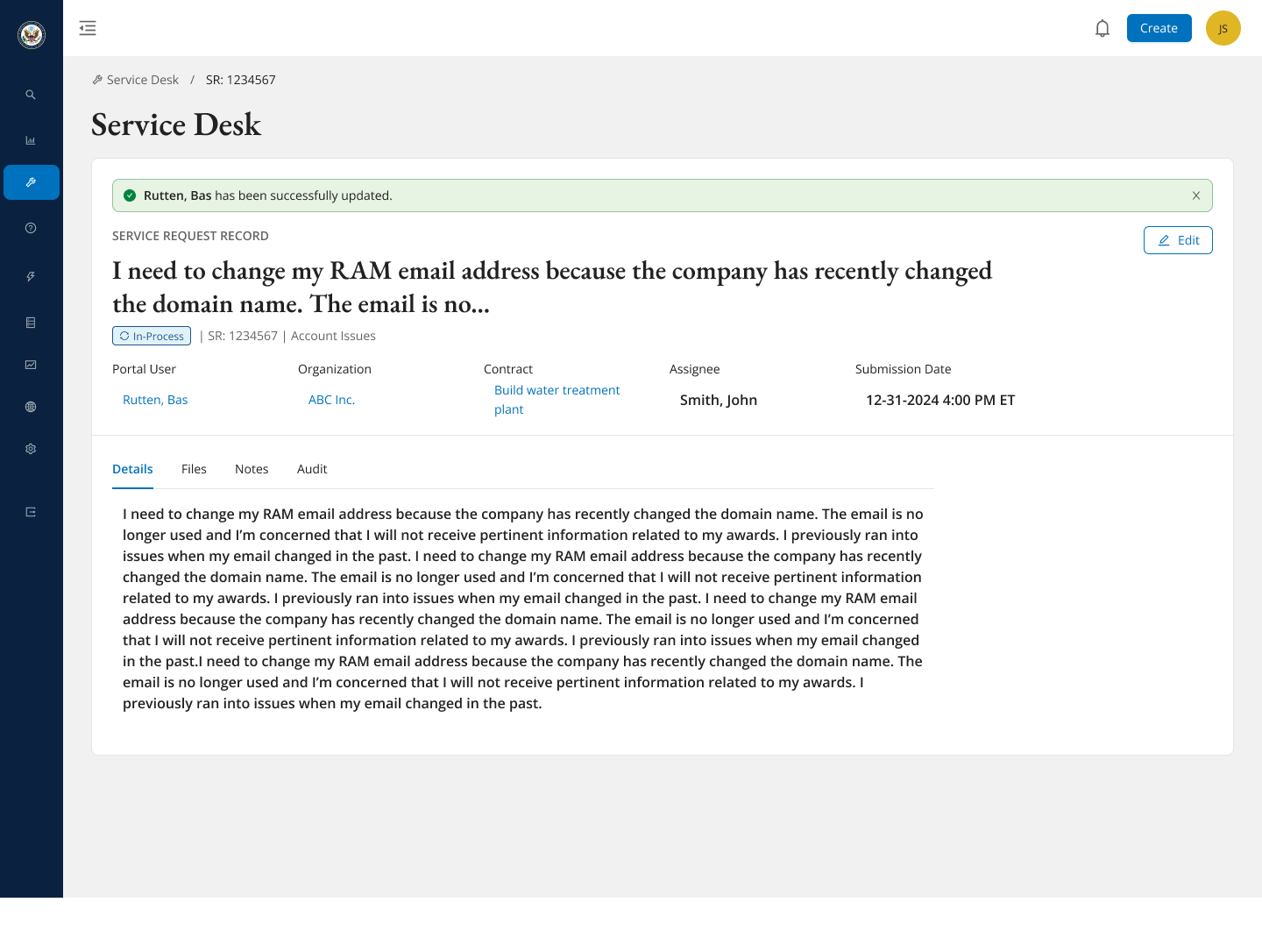
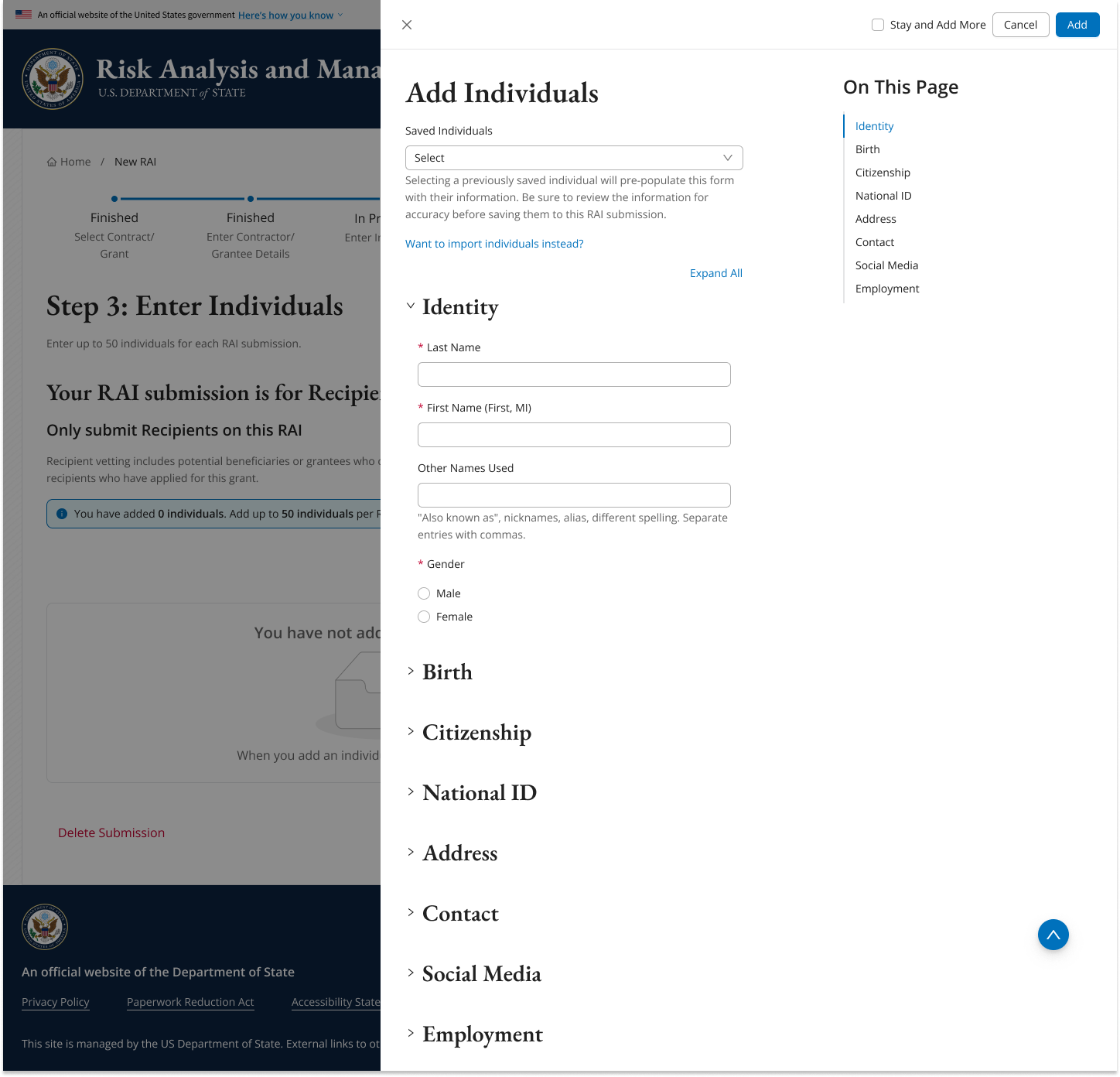
Once the low-fidelity wireframes were refined and mature, I promoted the designs to high-fidelity wireframes so that the stakeholders and developers could better estimate the scope, time, and cost with delivering the minimum viable product (MVP).
Outcome
Improved clarity and direction: The final designs and patterns were agreed upon and the business expressed excitement and support for the design direction.
Increased responsiveness and accessibility: The new designs addressed usability and accessibility problems that affected the legacy application.
Improved user satisfaction: The customer was able to support their mission while reducing users’ frustrations and eliminate workarounds.